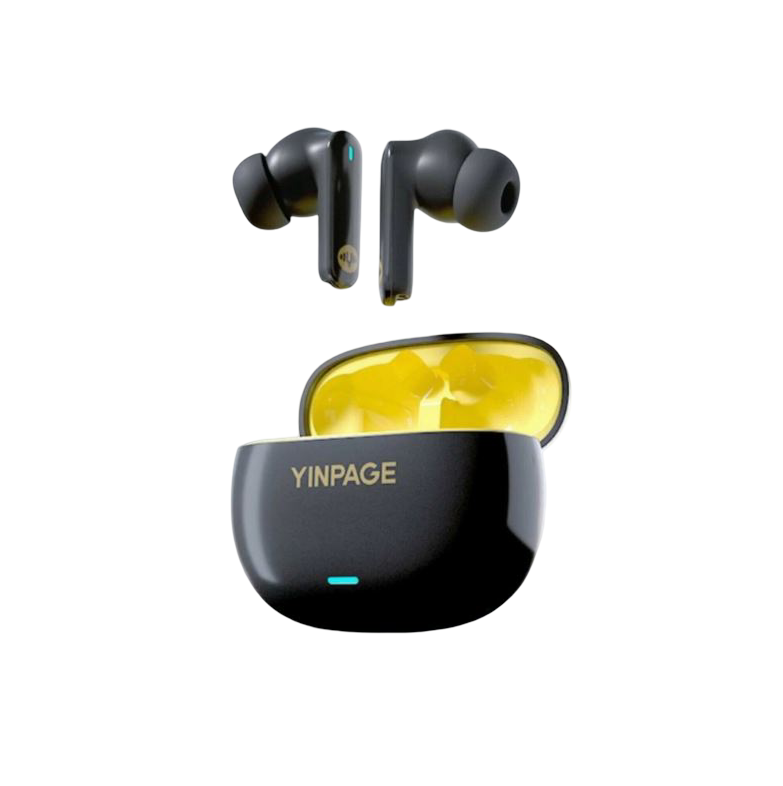
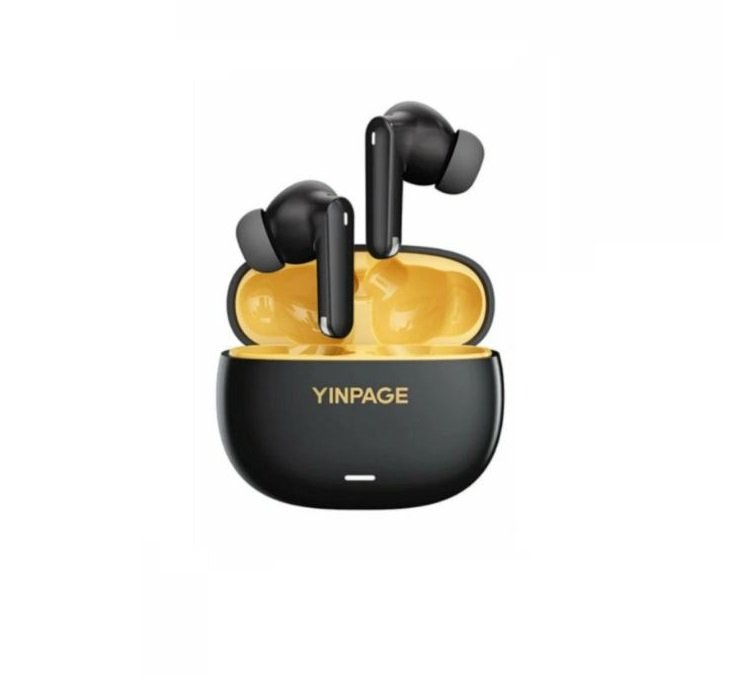
YINPAGE Real 1 Pro TWS Wireless Headset

Specifications
- Dimensions: 87x80mm
- Fingerprint sensing area: 1/3 position of headphone handle
- Type: TWS Wireless headset
- Model: Real 1 Pro
- Battery Capacity: 40mAh (earphones), 400mAh (charging case)
- Frequency Response: 20-20000Hz
- Bluetooth Version: 5.0
- Transmission Distance: 10m
Product Usage Instructions
Power On/Off
To power on, take the earphones out of the charging case. They will turn on automatically. To power off, place them in the charging case.
Connectivity
When connecting for the first time, take out both earphones simultaneously, open your phone, and search for “YINPAGE Real 1 Pro” to connect. Subsequent connections are automatic after the initial setup.
Functional Operations
- Answer/Hang up: Click once
- Play/Pause: Click once
- Next Song: Long press on the right earphone
- Voice Assistant: Triple-click
- Noise Reduction Mode: Long press for three seconds
- Low Power Alarm: Audible alert when battery voltage is below 3.2v
Charging
- The earphones charge automatically when placed in the charging case.
- The charging status is indicated by white/ice blue lights.
OVERVIEW

Power on off Connect to power on
- Power on
- Take them out of the charging case and they will turn on automatically.

- Connect
- When connecting the device for the first time, please take out both earphones at the same time, open your phone and search for “YINPAGE Real 1 Pro” to connect.
- After the connection is successful, there is no need to connect again for subsequent use.
- Power off
- The earphones can be turned off and charged when placed in the charging compartment.
- Note: Bluetooth is not connected and will automatically shut down after 5 minutes.










Only logged in customers who have purchased this product may leave a review.