

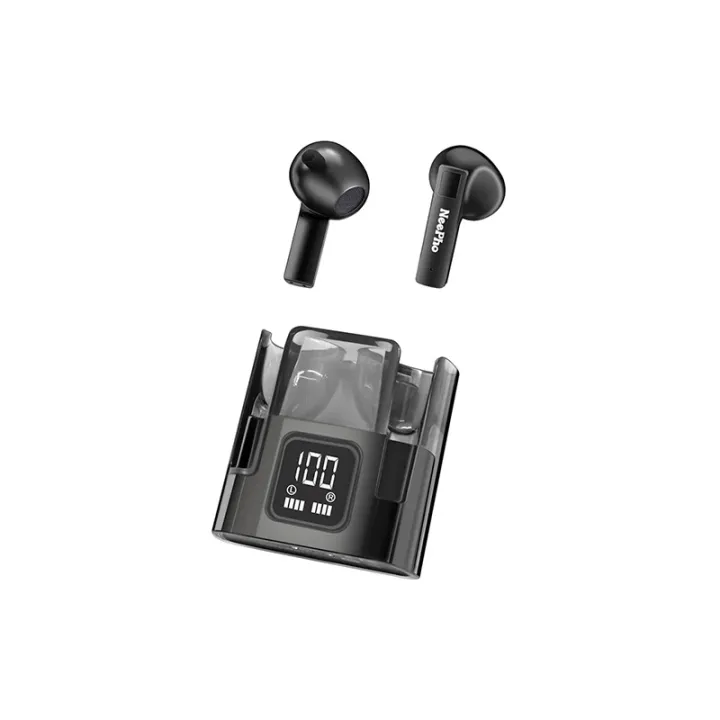
Product details of NeePho Wireless Earphones NP50 Wireless Earbuds with Display Case
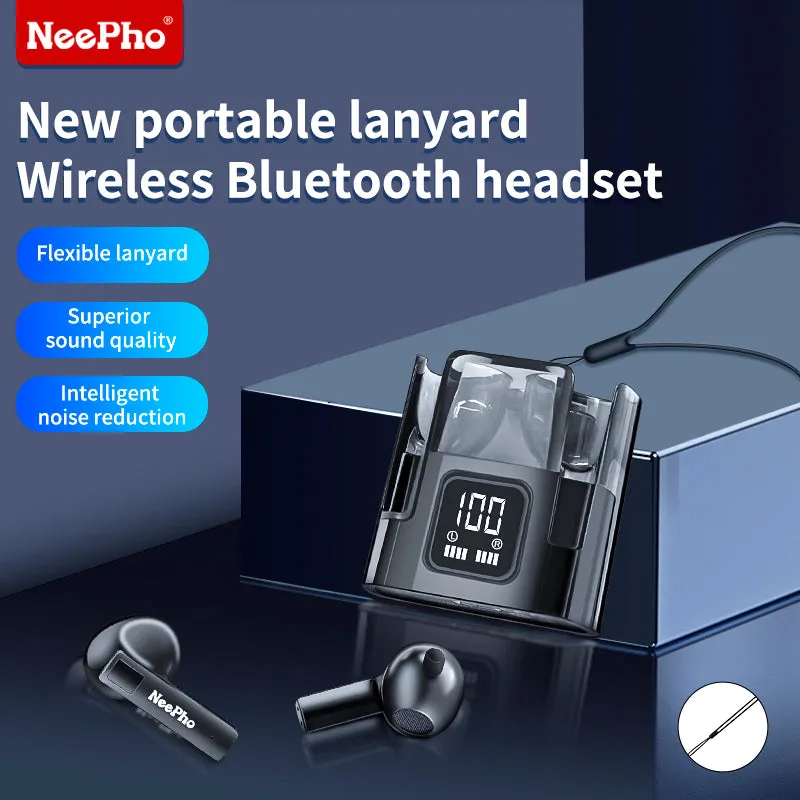
NeePho NP50 Wireless Earphones – the perfect blend of cutting-edge technology and user-friendly design for an immersive audio experience. With a convenient Type-C charging method, an effective wireless distance of about 10 meters, and a frequency response ranging from 20Hz to 20KHz, these earphones redefine your music and call experience.
NeePho NP50 Wireless Earphones – the perfect blend of cutting-edge technology and user-friendly design for an immersive audio experience. With a convenient Type-C charging method, an effective wireless distance of about 10 meters, and a frequency response ranging from 20Hz to 20KHz, these earphones redefine your music and call experience.
Key Features:
- Charging Method: Equipped with a Type-C charging port, the NP50 Wireless Earphones offer a fast and hassle-free charging experience.
- Effective Distance: Enjoy wireless freedom with an effective range of approximately 10 meters, allowing you to move around comfortably without compromising on audio quality.
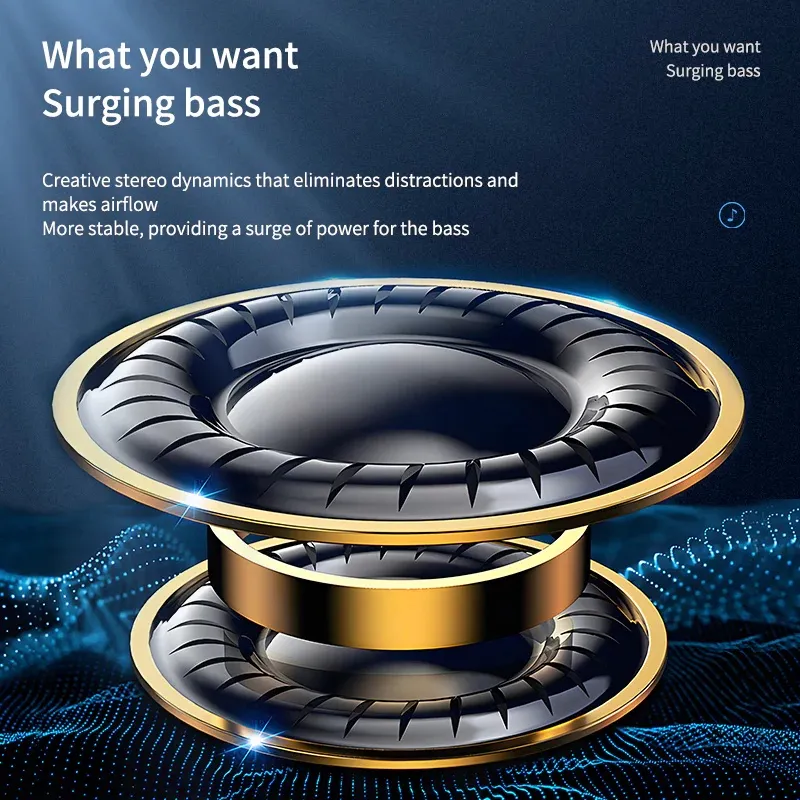
- Impressive Frequency Response: The earphones deliver a wide frequency response of 20Hz to 20KHz, ensuring crystal-clear audio across various genres.
Battery Capacities: The earphones come with a 30mA battery capacity, while the charging compartment boasts a substantial 220mA capacity, providing extended usage without frequent recharging.
Instructions for Use:
- Bluetooth Name: Look for “NP50” in your Bluetooth settings when pairing the earphones with your device.
- Play/Pause: Double-click to start or pause your music.
- Answer/End Call: Double-click to answer an incoming call or end an ongoing call.
- Reject Call: Press and hold for 2 seconds to reject a call; you’ll hear a “Tone” when you can release the button.
- Up/Down: Triple-click to adjust volume (left earphone for volume down, right earphone for volume up).
- Volume Adjustment: Single-click to increase or decrease the volume (left earphone for decreasing, right earphone for increasing).
- Summon Voice Assistant (Siri): Press and hold for 2 seconds until you hear a “Tone” to activate your device’s voice assistant.
Pairing Instructions:
- First-Time Use: Open the charging compartment cover and activate Bluetooth pairing on your phone. Click on the identified Bluetooth name “NP50” to complete the pairing process.
Subsequent Uses: Once paired, the earphones will automatically connect when taken out of the charging compartment (ensure Bluetooth is on). No manual pairing search is required. If the charging compartment indicator light is off, use the Type-C cable to charge the charging box.
The NeePho NP50 Wireless Earphones offer not only exceptional sound quality but also intuitive controls for a seamless audio experience. Enjoy your favorite music and take calls with ease, all while experiencing the convenience of wireless freedom.