

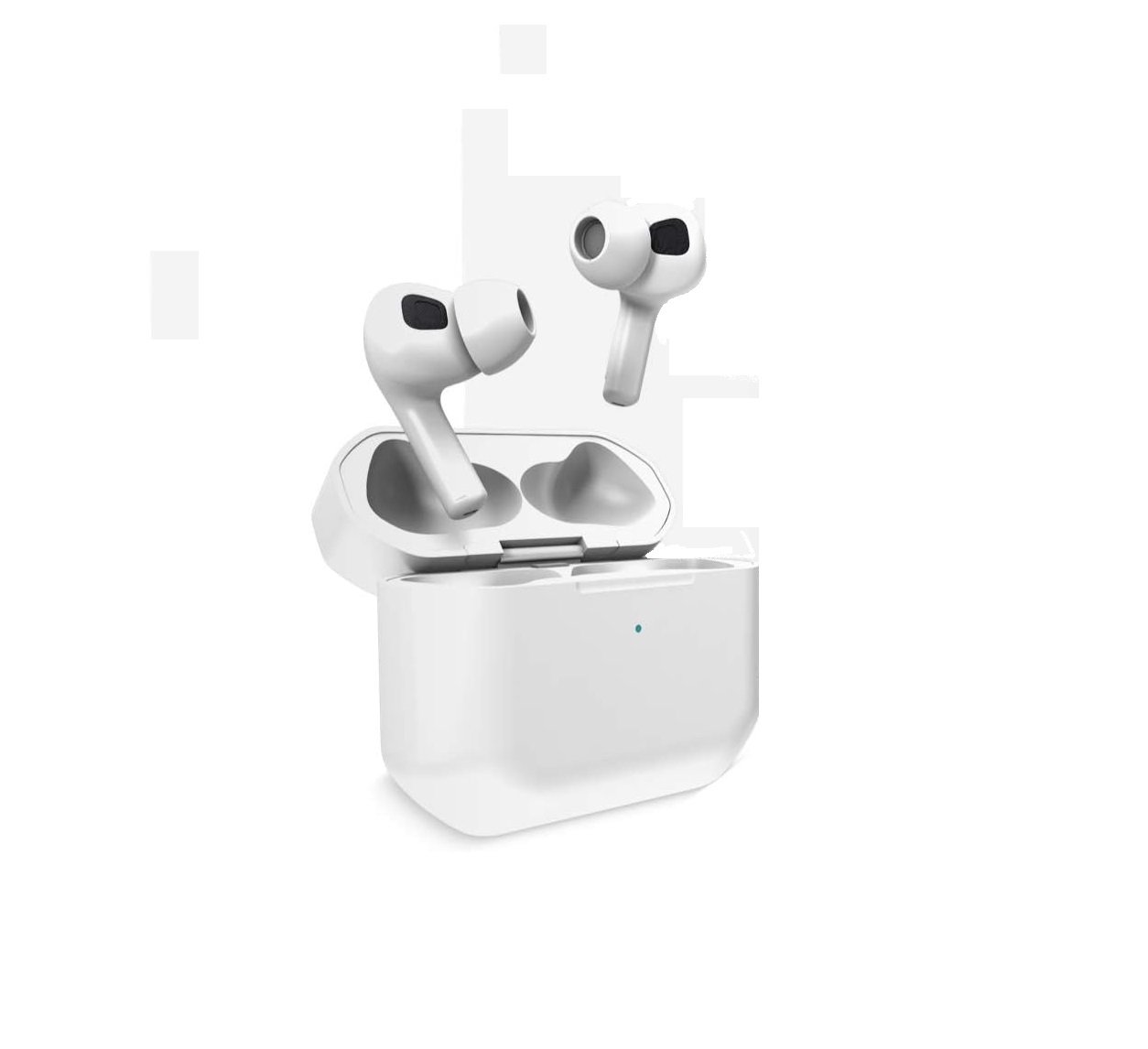


This manual provides comprehensive instructions for the proper use, setup, and maintenance of your DANGOBUDS Wireless Earbuds. Please read this manual thoroughly before using the product to ensure optimal performance and longevity.
 Figure 1: DANGOBUDS Wireless Earbuds, Charging Case, and Product Packaging. The earbuds are black, housed in a compact black charging case, presented alongside their black retail box.

The DANGOBUDS Wireless Earbuds are designed for a truly wireless listening experience, offering high-quality audio and convenient features for various activities such as travel, music, and sport.
Before first use, fully charge the earbuds and the charging case. Connect the provided USB-C cable to the charging case and a compatible USB power source. The charging case has an indicator light to show charging status.
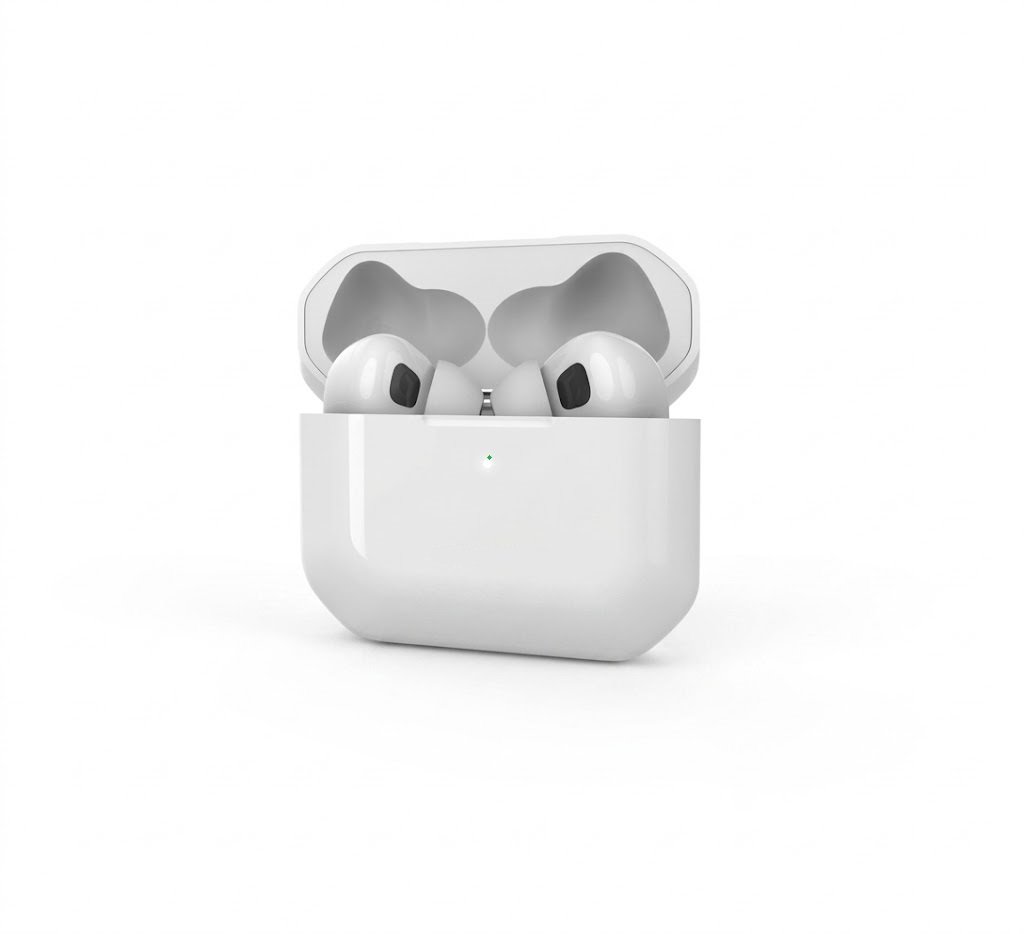
 Figure 2: The DANGOBUDS charging case with earbuds inserted, illustrating the ability to achieve a full charge within 40-50 minutes. A green indicator light is visible on the case.
A full charge typically takes 40-50 minutes for the earbuds within the protective wireless charging case.
To pair your DANGOBUDS with a device:
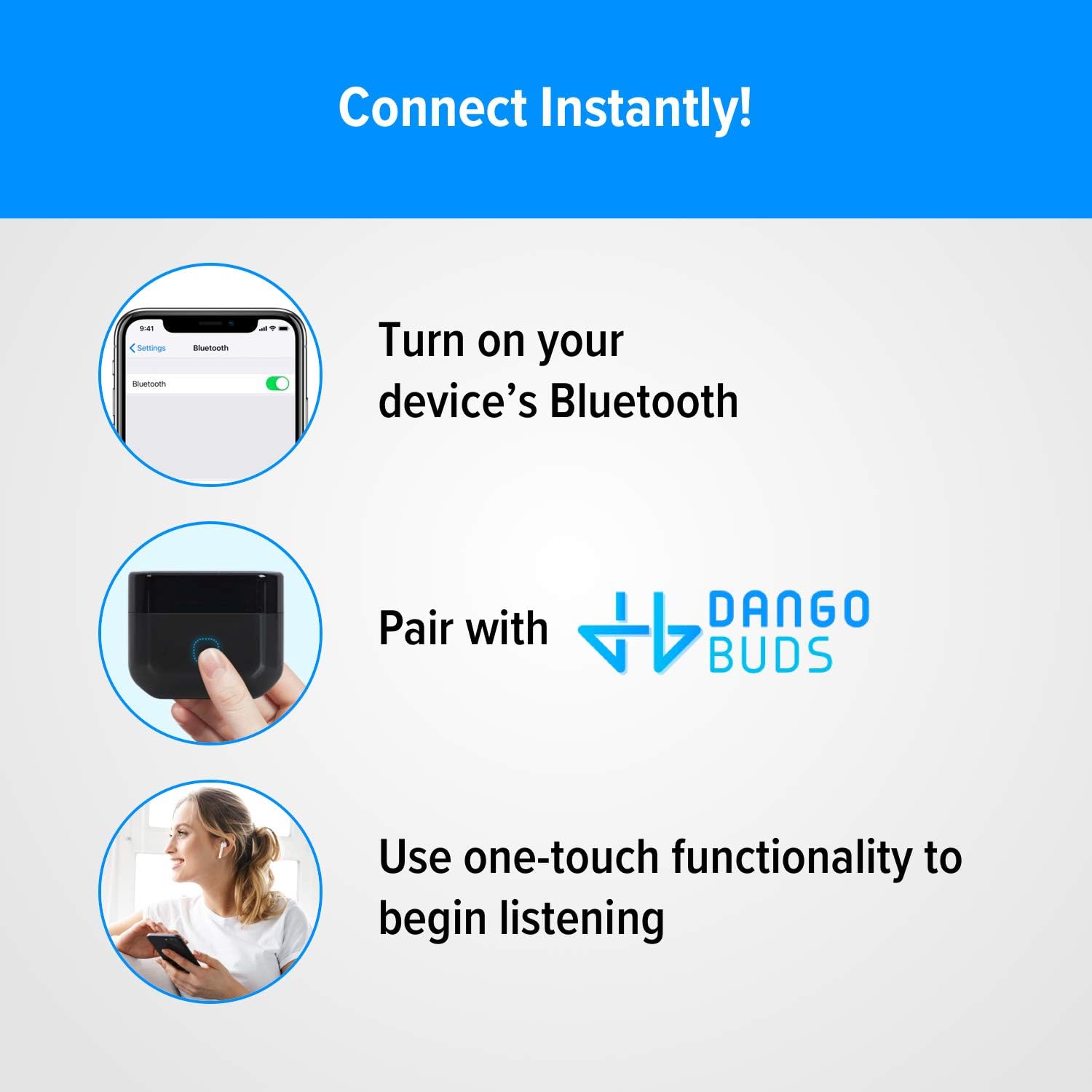 Figure 3: Visual guide for instant connection: 1. Enable Bluetooth on your device. 2. Pair with “DANGOBUDS” from the Bluetooth settings. 3. Utilize the one-touch functionality to begin audio playback.
| Color |
|---|

Mobile Phone

Brand Warranty

See Your Product

All Over Pakistan
See Your Product
All Over Pakistan

Mobile Phone
Brand Warranty
See Your Product
All Over Pakistan

Only logged in customers who have purchased this product may leave a review.