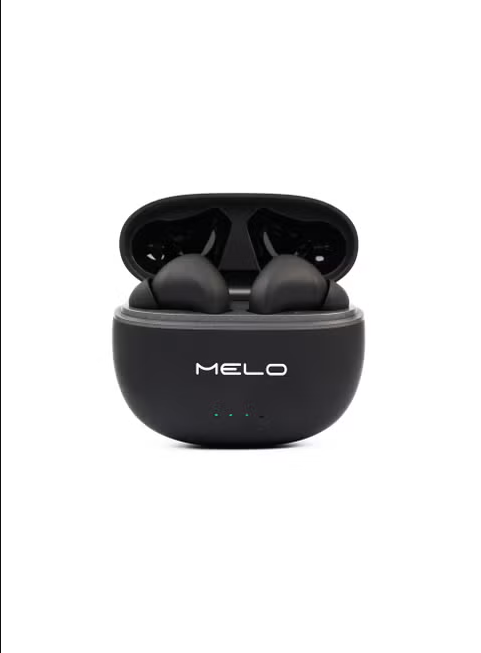
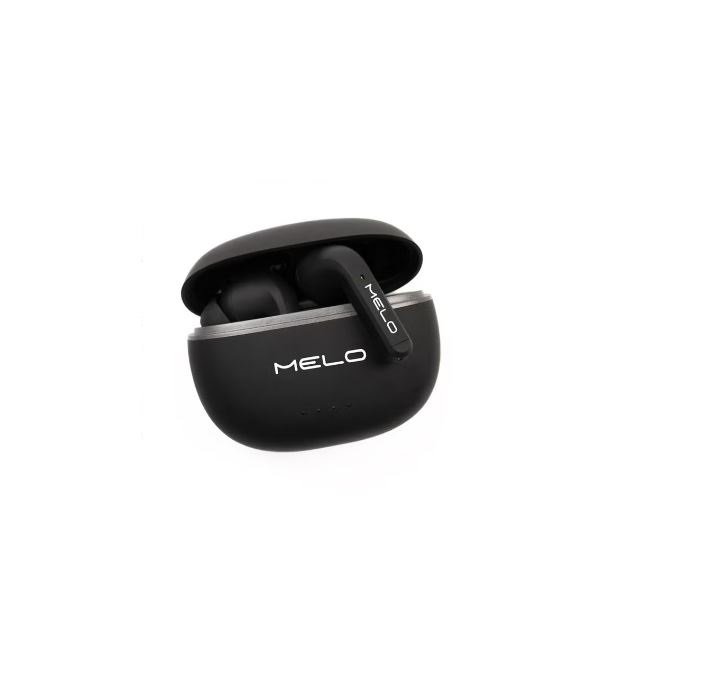
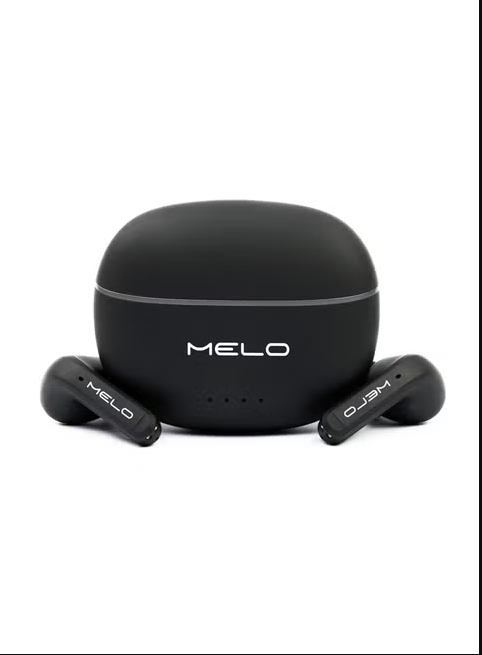
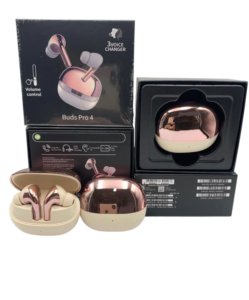
Disconnecting/Unpairing 1. To disconnect, turn off your connected device’s Bluetooth or the earbuds. 2. To unpair (remove the connection entirely), go to your connected device’s Bluetooth settings, find the earbuds on the list of paired devices, and select “Forget” or “Unpair” 3. The earbuds only connects to one device at a time. Basic Operations Power on/off A. Open the charging case, the earphone automatically turn on; Place earbuds into charging case and close the case, automatically turn off. Transparency mode/ANC On/ANC Off When taking the earphones out of the charging case, it is regular Bluetooth mode. Long press right earphones for 2 seconds to enter Transparency mode; Long press right earphones for 2 seconds again to enter ANC mode; Long press right earphones for 2 seconds again to enter Regular Bluetooth mode. Answer/Hang up When there is an incoming call. Tap left or right earbud once to answer the call. Tap left or right earbud once again to end the call. Reject When there is an incoming call. Quick double tap the left or right earbuds to reject the call. Voice assistant Quick tap left or right earphones 3 times to activate voice assistant. B. Long press 5 seconds to turn on; Long press 5 seconds to turn off. Play/Pause music When listening to music. Tap the left/right earphone once to play or pause the music. Previous /Next Song When listening to music, Double tap the left earphone to go to the previous song. Double tap the right earphone to go to the next song.